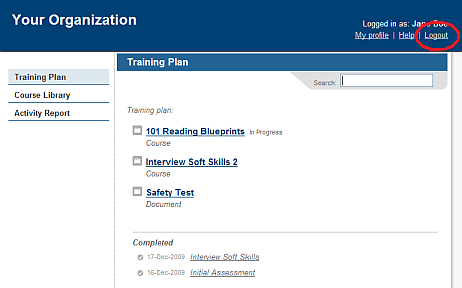
Be sure to click Logout when you are done working with the LMS. Logging out protects your privacy and ensures that information about your training activities is recorded accurately.
After a specific period of inactivity, you will automatically be logged out. This will not be obvious until you click on something in the interface, at which point you will be prompted to login again:
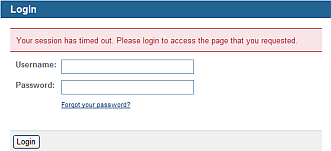
Once you login again, your previously selected action will be completed. For example, if you click on an event when your session has timed out, when you log back in again the event information will be open.